
Guidance with a clear source
Choose qualified Human Trainer coaching or a clearly simulated AI Trainer demonstration. Every camera or sensor feature explains what it does before you decide.
Human coaching is always labeled · AI output may be incomplete or inaccurate
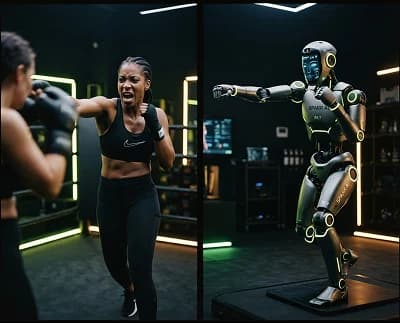
Two modes. Different strengths.
Knightide does not blur human judgment with generated guidance. The trainer source, available controls and limitations stay visible throughout.
Qualified live coaching
Conversation, observation, personal context and accountable follow-up.
Qualifications · Booking · Messaging
Find a Human TrainerSimulated robot demonstration
Repeatable demonstrations, timing prompts and optional assistive movement checks.
Synthetic · On demand · Limited
Try a demonstration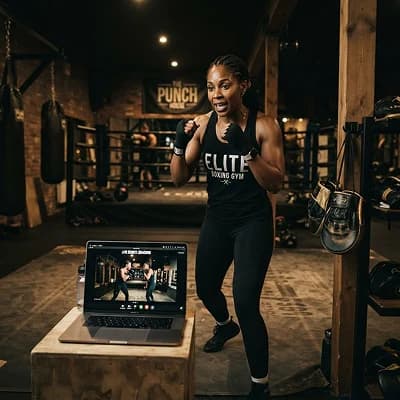
Live coaching, qualified and visible
Filter by discipline, relevant qualifications, language, availability, location and accessible format. Profiles explain scope before you book.
- Relevant qualification informationSee awarding body or provider, discipline and renewal details where relevant.
- Live-session controlsPrepare in a private lobby, test audio and choose camera on or off.
- Accountable follow-upMessage, report, reschedule or review notes from Communication.
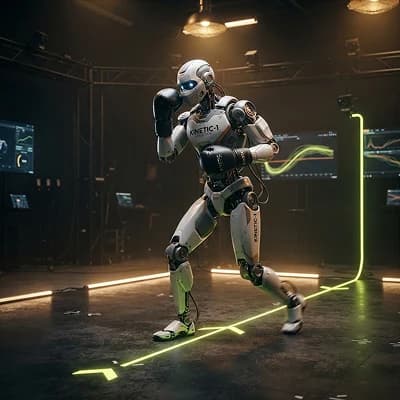
A simulated robot, not a person
AI Trainer demonstrations show movement sequences, timing and general cues. They can be repeated, slowed down or replaced with text and audio instructions.
Stop when something feels unsafe. Use a Human Trainer for nuanced observation or context the system cannot know.
Nothing activates until you choose
Camera-assisted movement checks are optional. The request appears only when a compatible session can use them, and permission can be denied, paused or revoked without losing the core session.
If enabled, Knightide analyzes visible movement landmarks during this session to offer general pace, range and alignment cues. This is not biometric identification, hidden recording, medical diagnosis or a guarantee of accuracy.
- Camera is used only while the check is visibly active
- Raw video is not saved by default
- Revoke from session controls or Settings
Transparency · Visible when active
An on-screen indicator remains present while camera-assisted movement checks are running.
Control · Revocable by default
Pause for a movement, stop for the session, or remove permission at operating-system level.
Access · Accessible alternatives
Use text steps, audio pacing, keyboard controls, a Human Trainer or the demonstration without checks.
Check the space before the movement
Calibration helps frame the visible training area. It checks light, distance and clearance; it does not identify you or certify the space as risk-free.
Frame
Place the device so your training area is visible.
Light
Use even light and avoid strong backlighting.
Space
Clear floor, overhead area, people, pets and equipment.
Test
Complete one slow reference movement and review confidence.
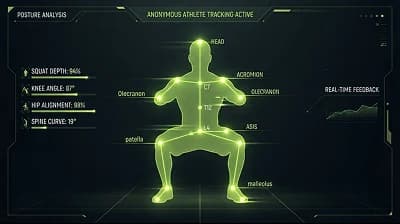
General cue: reduce depth slightly
The visible movement appears less stable near the bottom. Try a smaller range, use support, or continue without the check. The cue may be wrong if framing, clothing, lighting or mobility differs.
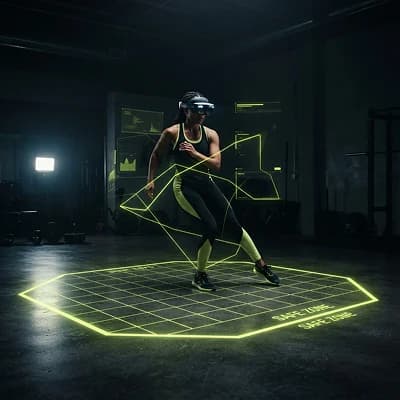
Room-aware prompts, when you opt in
Supported XR devices may use headset or controller motion and spatial mapping for direction, pacing and boundary reminders. Requirements and device processing vary.
- Review device permissions and sensor availability
- Pause after tracking interruption or drift
- Use seated, screen or non-sensor alternatives
Choose who — or what — guides each session
Subscribe to compare Human Trainer options, explore AI Trainer demonstrations and set camera, sensor and accessibility preferences before training begins.